
Free printer test pages
Printer test page: print online
Print a test page online. Compare text, color and alignment, or open a PDF on your device.
Choose a printer test page
Print settings
Choose Actual size / 100%, the matching paper size, and turn off headers and footers. Do not select Fit to page or borderless enlargement.
Mobile: open the PDF, then use the viewer’s Share / Print command. A download link opens a file; it does not confirm the file was saved.
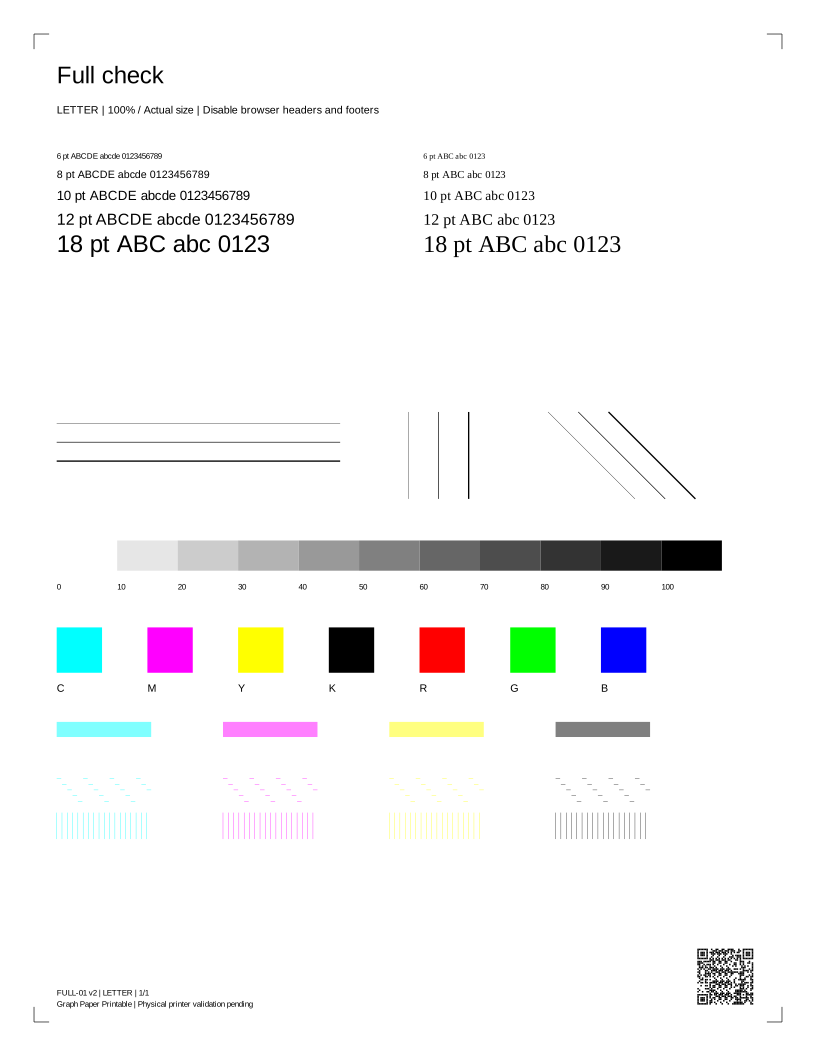
FULL-01 · 1 PDF pageEstimated coverage: see the asset manifest. Estimates describe artwork area, not ink volume.
More test pages and print tools
Choose a pattern for the check you want to make. Each PDF is available in Letter and A4.
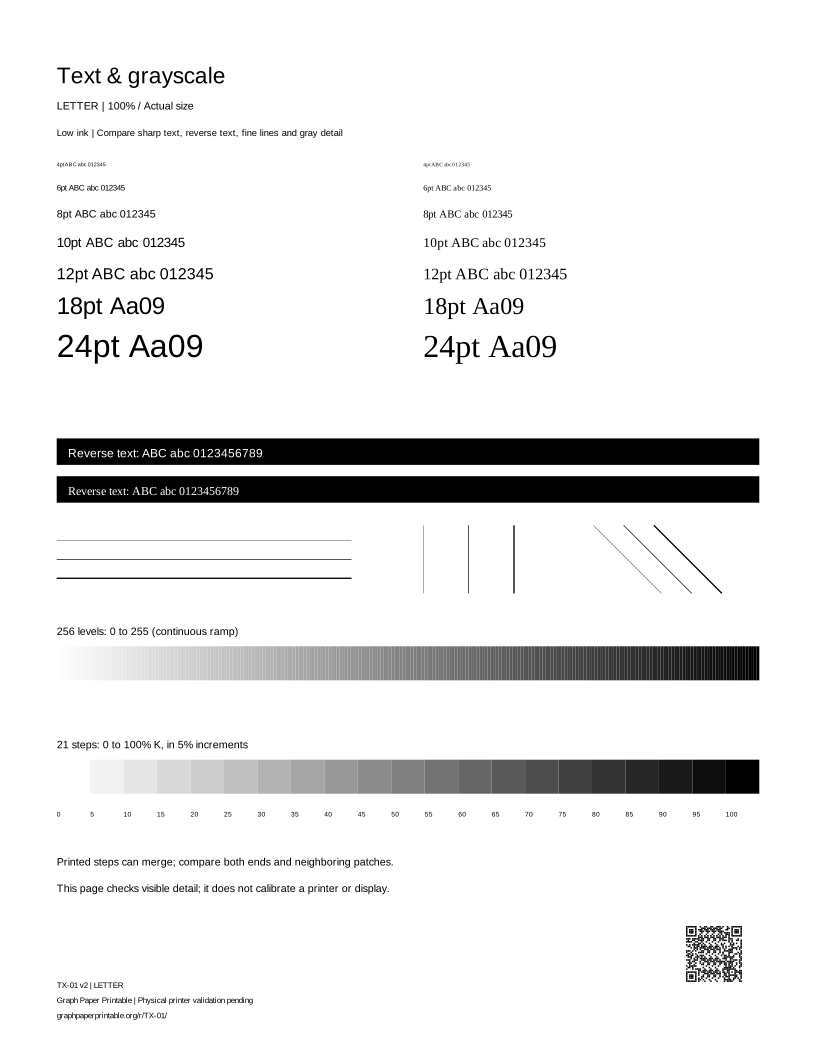
Text & grayscale
Check text clarity and gray steps.
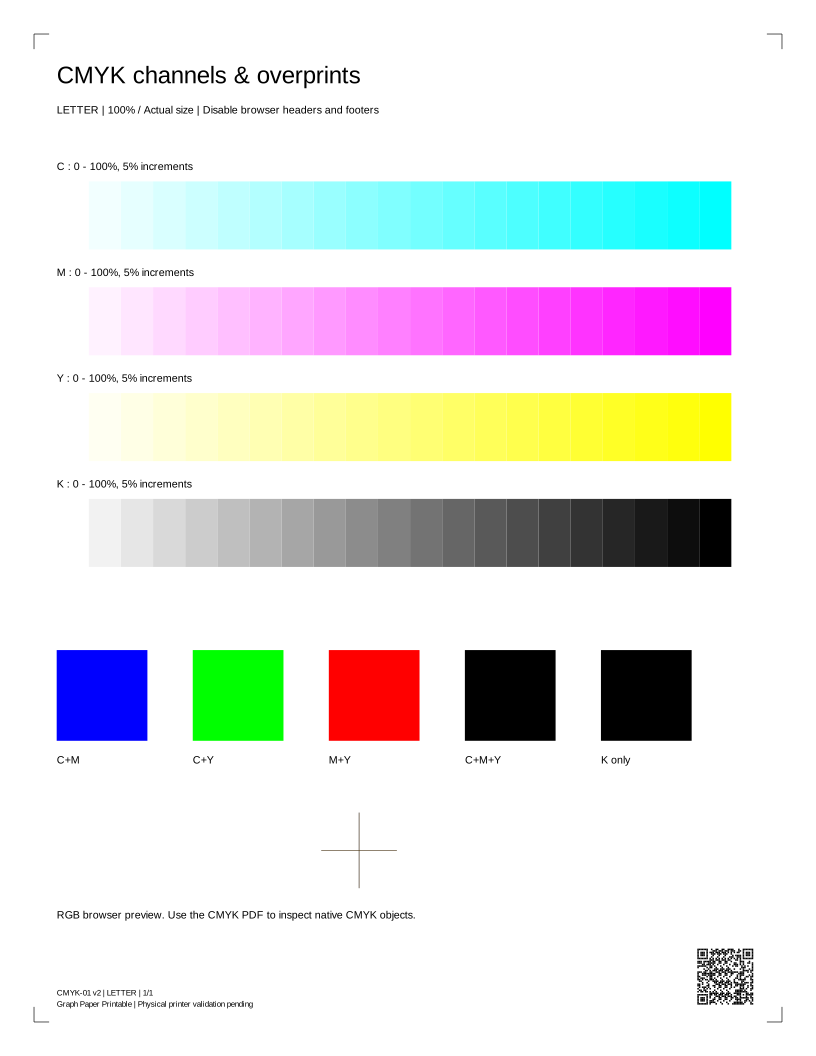
CMYK channels & overprints
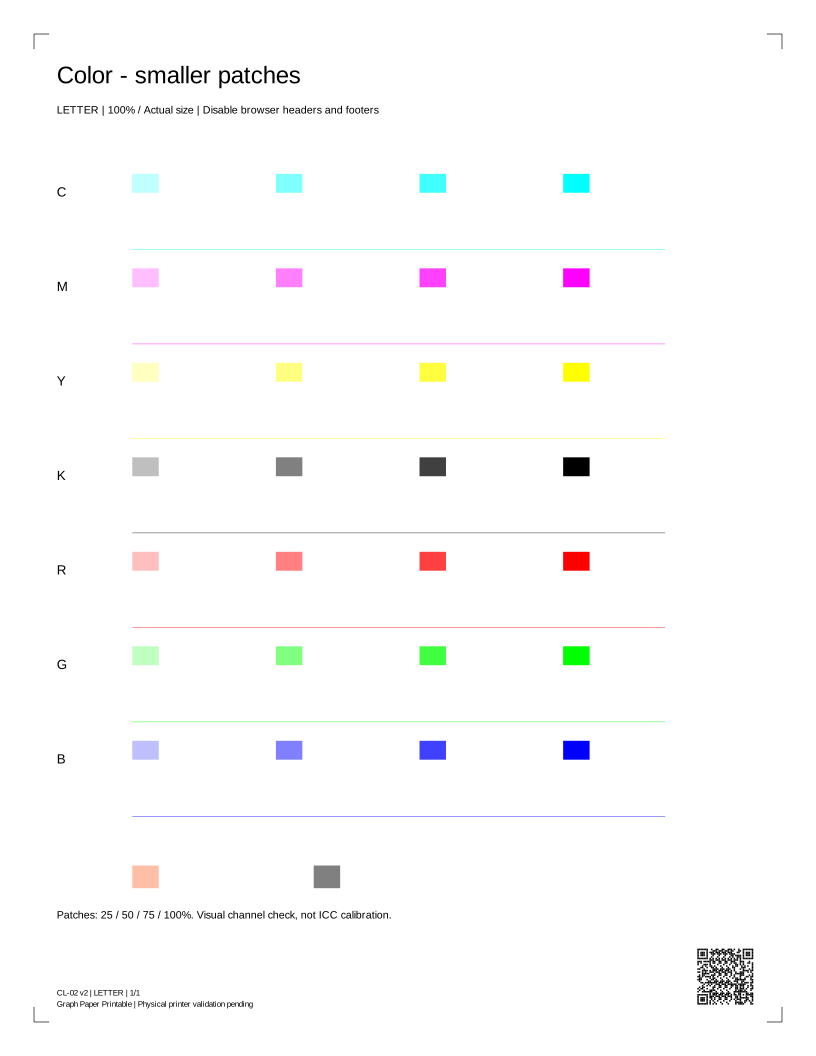
Compare cyan, magenta, yellow and black.
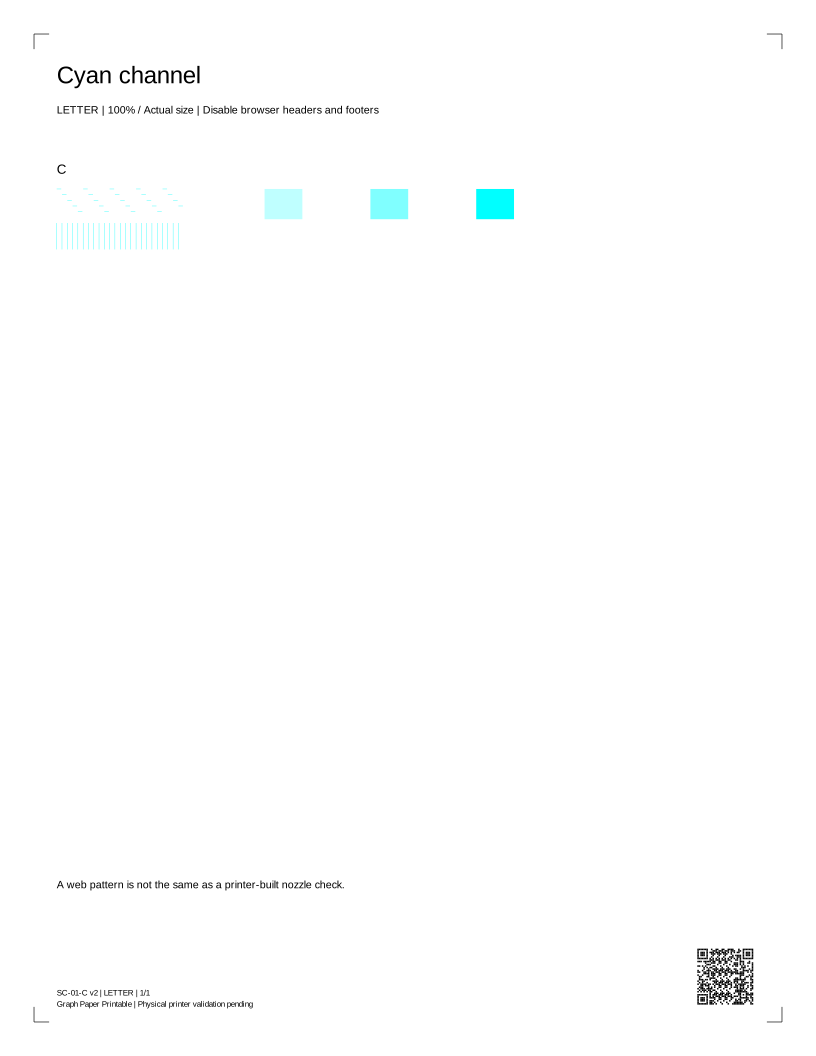
Cyan channel
Look for gaps in one color channel.
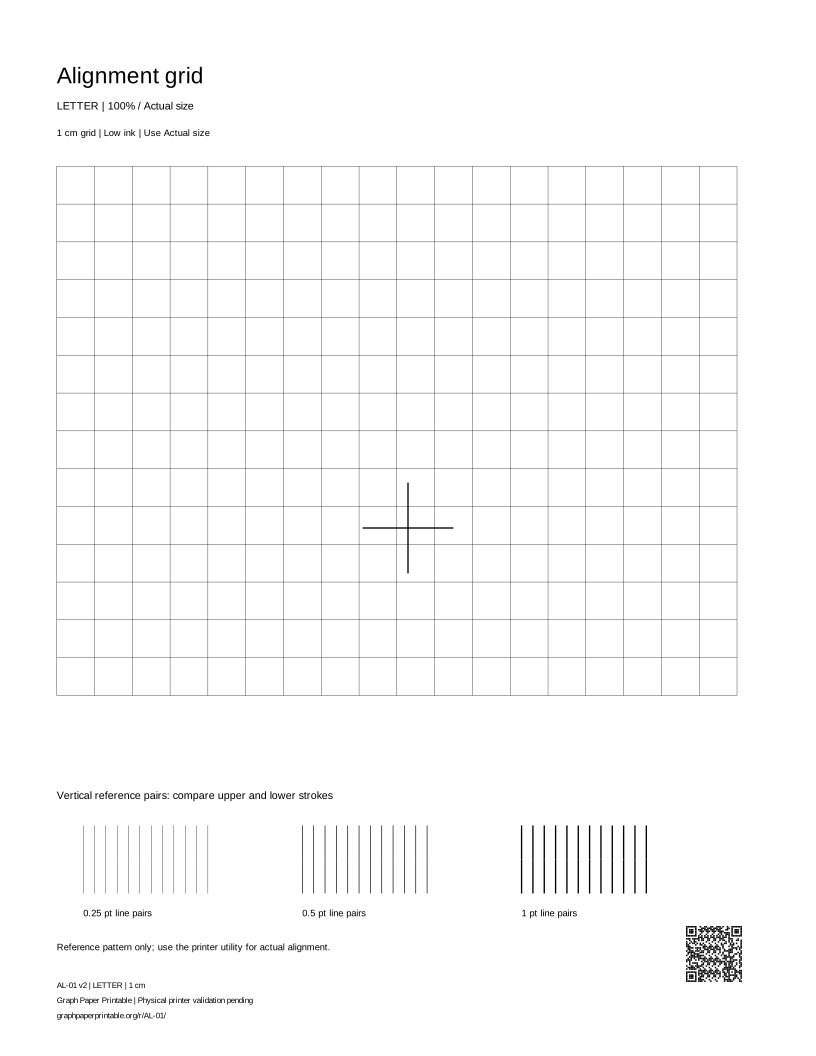
Alignment grid
Check grid lines and alignment.
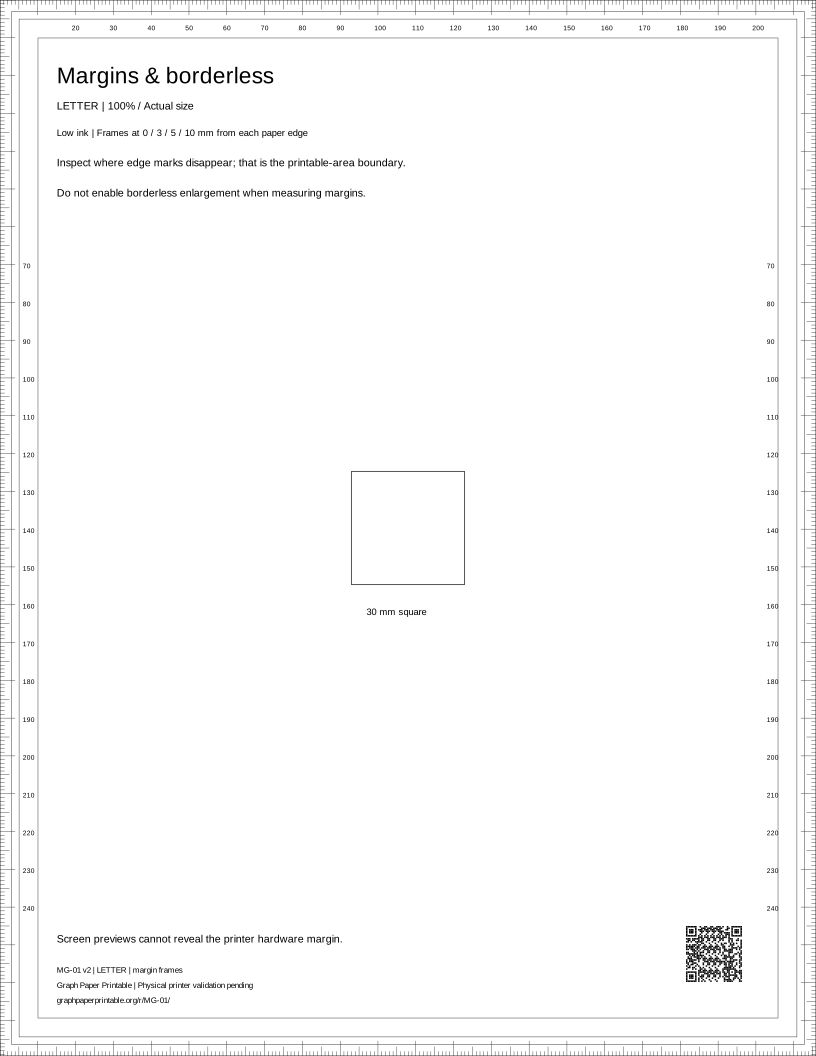
Margins & borderless
Inspect margins and clipping.
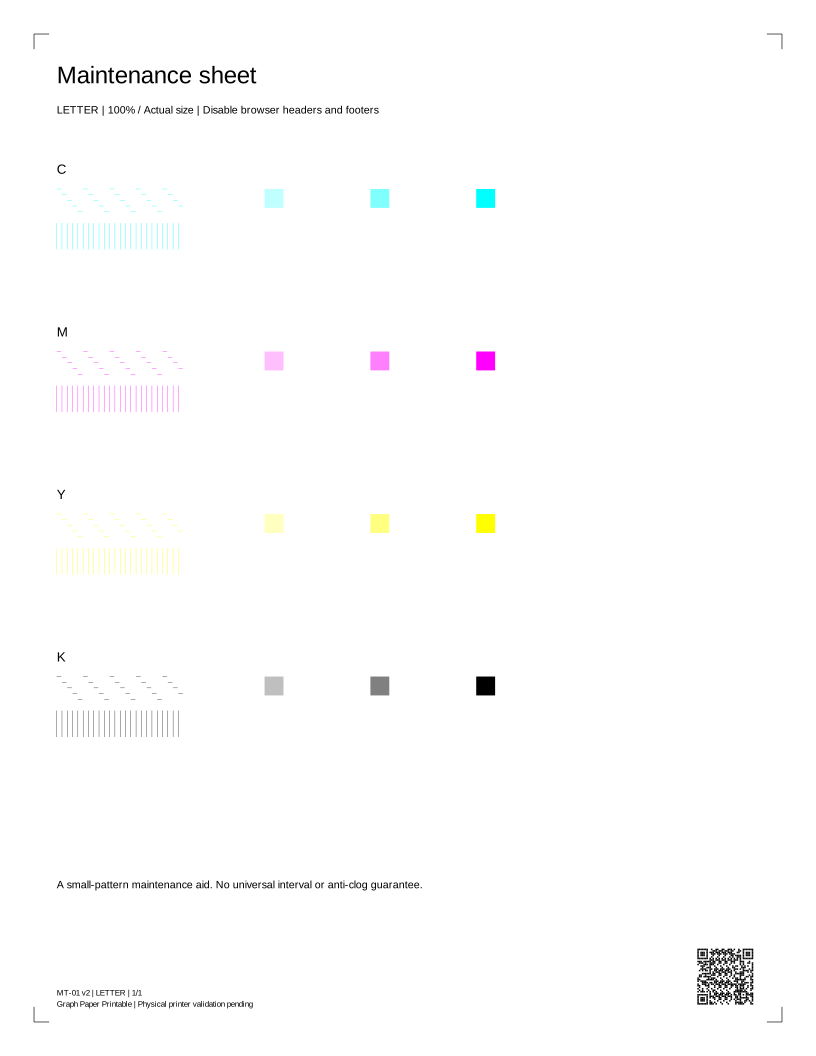
Maintenance sheet
Compare a light maintenance pattern.
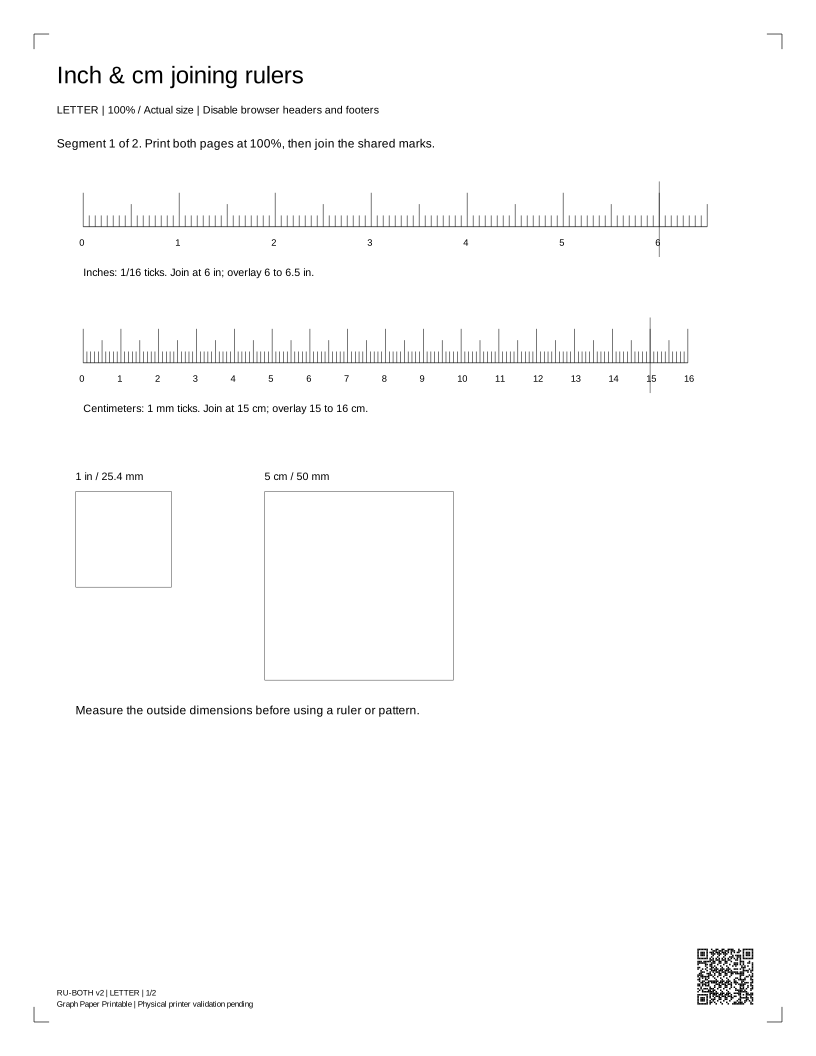
Inch & cm joining rulers
Print an inch or centimeter ruler.
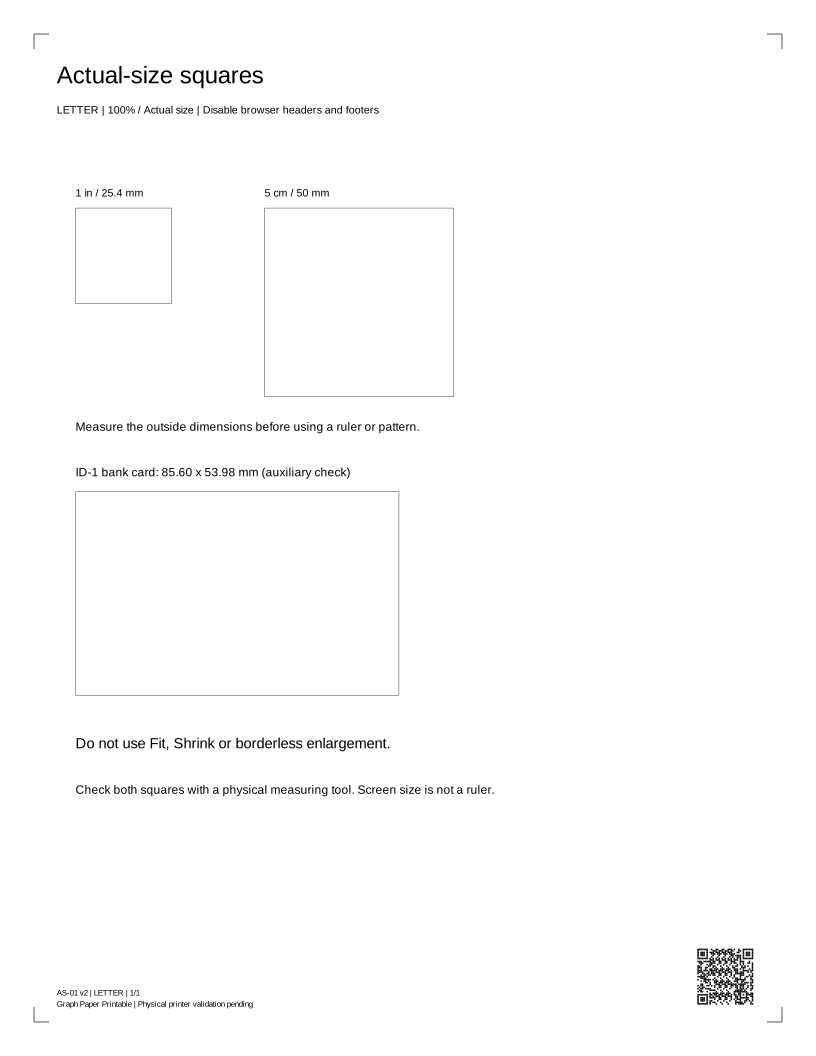
Actual-size squares
Check print scale before measuring.
How to print your test page
View the printing guideChoose your paper
Match A4 or US Letter to the paper in your printer.
Print or open the PDF
Use a print button on desktop. On a phone, open the PDF and use Share / Print.
Compare the result
Use Actual size / 100%, then check the text, lines and color patches on paper.
How to read your printer test page
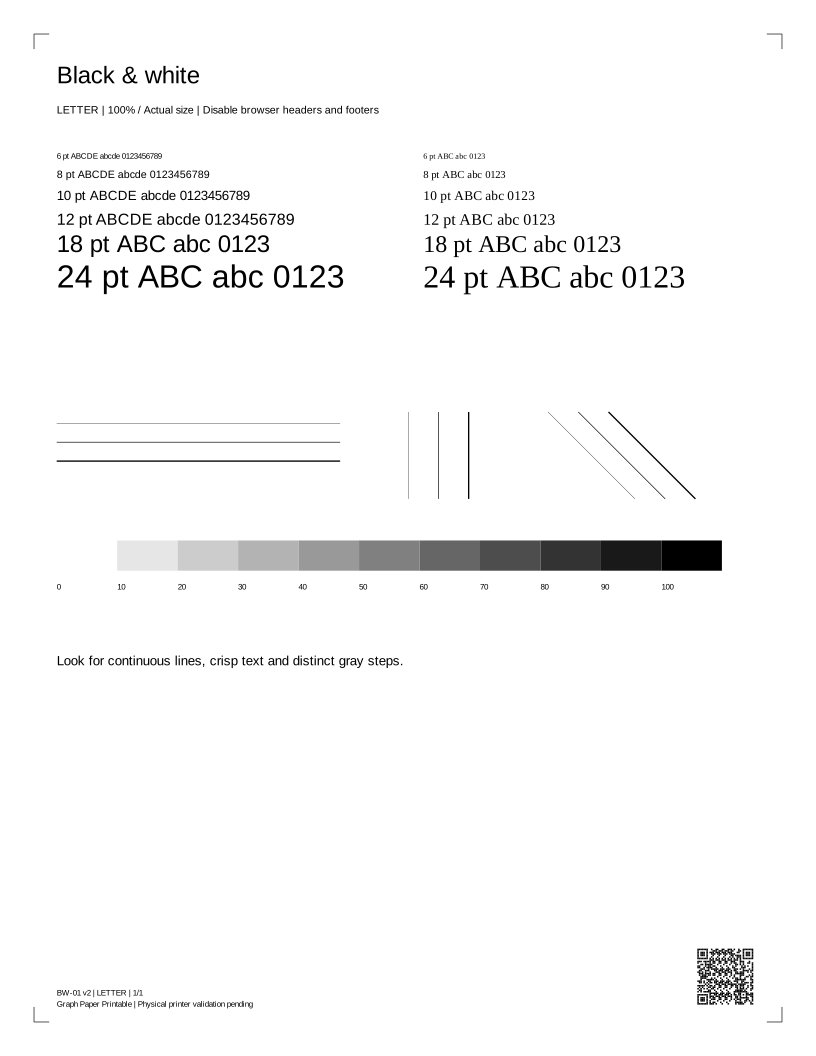
Compare continuous lines, distinguishable gray steps and complete color patches. A gap, pale patch or missing color is a symptom, not proof of a particular failed part.
PDF · current selection · Back to print controls
What did you see after printing?
Illustrations only — real printer photographs awaiting permission and review.
Looks normal
Schematic · not a printed sampleHorizontal white lines
Schematic · not a printed sampleVertical streaks
Schematic · not a printed sampleFaded prints
Schematic · not a printed sampleMissing color
Schematic · not a printed sampleWrong colors
Schematic · not a printed sampleBlank page
Schematic · not a printed sampleSmudges or ghost images
Schematic · not a printed sampleBlurry or misaligned
Schematic · not a printed sampleTest works but documents fail
Schematic · not a printed samplePrinter test page FAQ
Does requesting a print mean it printed?
No. The browser can request a dialog, but cannot tell whether you cancelled, sent the job or received paper. Check the preview and the physical result.
Why are there two paper sizes?
Each PDF has a native Letter or A4 page box. Choose the same size in the printer dialog, use Actual size / 100%, and disable headers, footers and Fit to page.
Can this sheet diagnose my printer?
It is a comparison aid. A generic sheet cannot identify a failed part, measure ink remaining, certify colors or replace the manufacturer's model-specific checks.