Printable coordinate plane
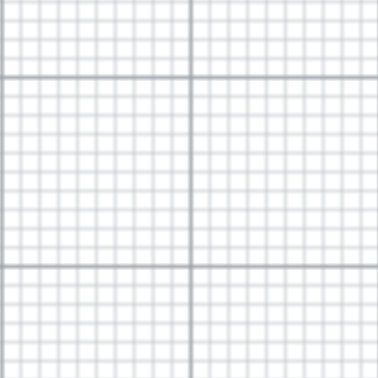
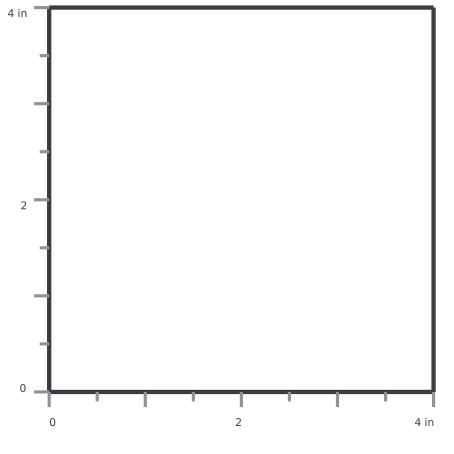
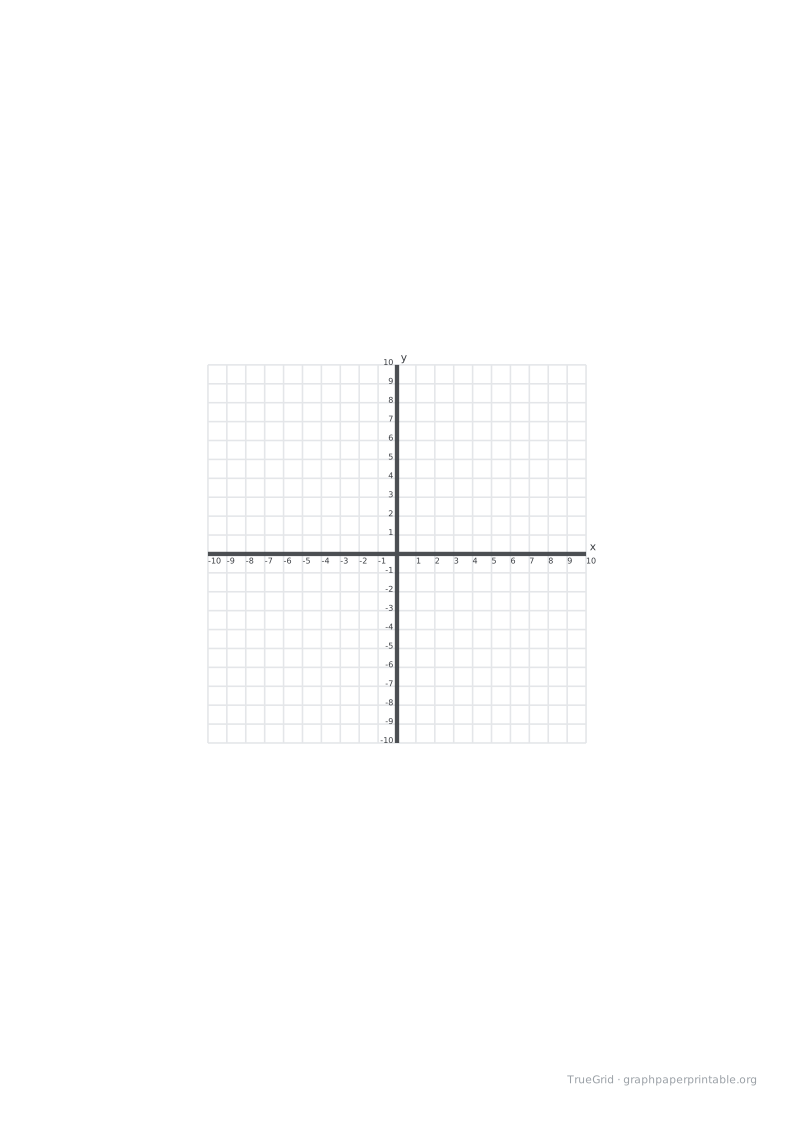
One large plane or four practice grids, with four-quadrant and first-quadrant layouts.
Specification
| Paper | A4 · 210 × 297 mm |
|---|---|
| Grid spacing | 5 mm |
| Drawable area | 190 × 273 mm |
| Margins | L 10 · R 10 · T 10 · B 14 mm |
| Axis range | −10–10 |
| File | PDF · vector · 4 KB · no watermark on the grid |
One large plane or four practice grids
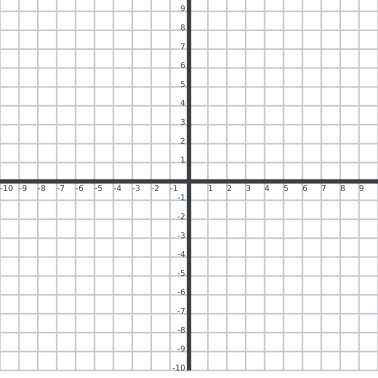
The four-quadrant layout centres the origin and supports negative and positive values. The first-quadrant layout starts from the lower-left origin.
Coordinate values and physical millimetres are separate quantities; use the labels for maths and the check edition for print scaling.
Print at actual size
1Choose the matching paper size.
2Set 100%, not “Fit to page”.
3Measure the 100 mm check line.
Save and print on your device
Desktop
Open the PDF, choose Print in your PDF reader, select the matching paper size and 100% / Actual size.
iOS / iPadOS
Open PDF → Share → Save to Files. To print, use Share → Print; available controls depend on the app and printer.
Android
Open or download the PDF, then choose Menu → Print in your PDF reader. Check paper size and scaling.
Other devices
Save and open the PDF in a PDF reader. Disable automatic fitting and measure the calibration ruler.
A download click does not confirm that the file was saved or printed. Print calibration
Questions
What range is shown?
The large four-quadrant plane is designed around minus ten to ten; the first-quadrant option runs from zero upward.
Why does four per page use a different spacing?
A 4 mm grid leaves room for four complete labelled plots without silently scaling the whole page.
Can I cut the four-up page apart?
Yes. Print at actual size first, then cut through the whitespace between the four plots.