Printable paper
Printable reading logs
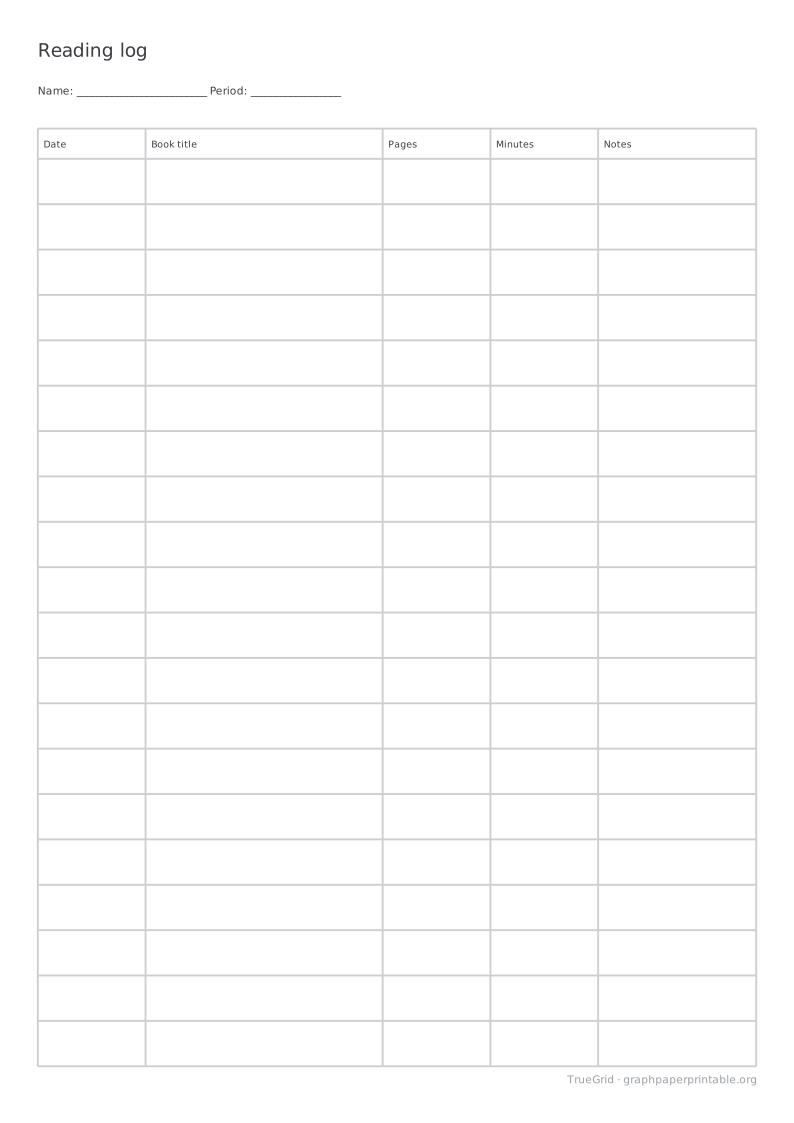
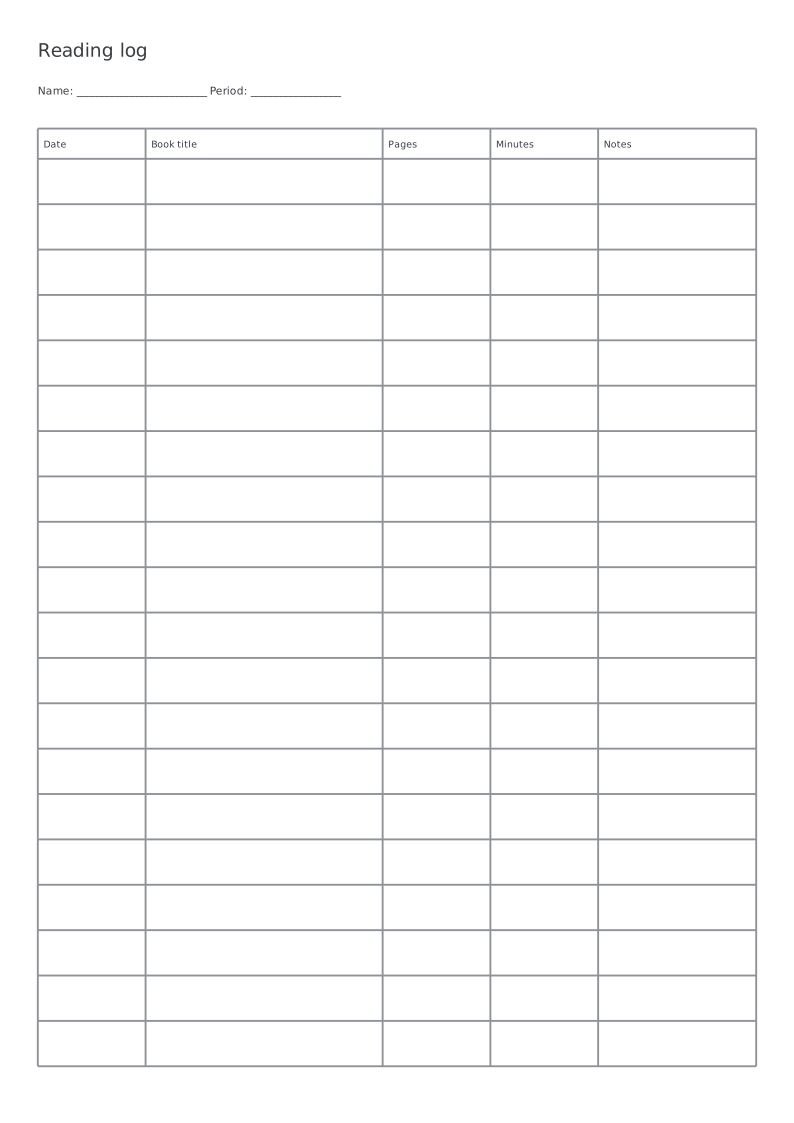
Record books, pages, minutes and notes in daily or weekly logs.
Specification
| Paper | A4 · 210 × 297 mm |
|---|---|
| Template | General reading log |
| Row height (mm) | 12 |
| Drawable area | 190 × 273 mm |
| Margins | L 10 · R 10 · T 10 · B 14 mm |
| File | PDF · vector · 3 KB · no watermark on the grid |
General or weekly
The general log fills the available area with complete rows. Use one row per session and continue on a new sheet as needed. The weekly version has seven rows and a blank date range; enter dates yourself so the form works with any start day.
Pages and minutes are separate fields. Record a page range or a page count consistently, then use the notes column for a question, a short response or the next reading goal. No personal information is sent to a server.
Writing space and multiple pages
Ready-made sheets use 12 mm rows. Customize row height from 10 to 24 mm; the number of complete rows changes with paper size, orientation and margins. Weekly layouts must fit all seven rows or the generator asks you to adjust.
Multiple-page PDFs repeat the complete blank form and header on every page. A row never splits between pages. Labels are English; this is a general-purpose record, not a grade-specific school requirement or an automatic reading tracker.
Print at actual size
1Choose the matching paper size.
2Set 100%, not “Fit to page”.
3Measure the 100 mm check line.
Save and print on your device
Desktop
Open the PDF, choose Print in your PDF reader, select the matching paper size and 100% / Actual size.
iOS / iPadOS
Open PDF → Share → Save to Files. To print, use Share → Print; available controls depend on the app and printer.
Android
Open or download the PDF, then choose Menu → Print in your PDF reader. Check paper size and scaling.
Other devices
Save and open the PDF in a PDF reader. Disable automatic fitting and measure the calibration ruler.
A download click does not confirm that the file was saved or printed. Print calibration
Questions
How do I print at the intended size?
Match the PDF and printer paper size, choose 100% / Actual size, and disable Fit to page. Use a check edition and measure the 100 mm ruler before use.
Can I change the layout?
Choose Customize this paper to carry the selected template into the generator. Preview the changes before generating your PDF.