Millimeter paper
Fine 1 mm lines with stronger 5 mm and 10 mm guides for precise metric drawing.

Specification
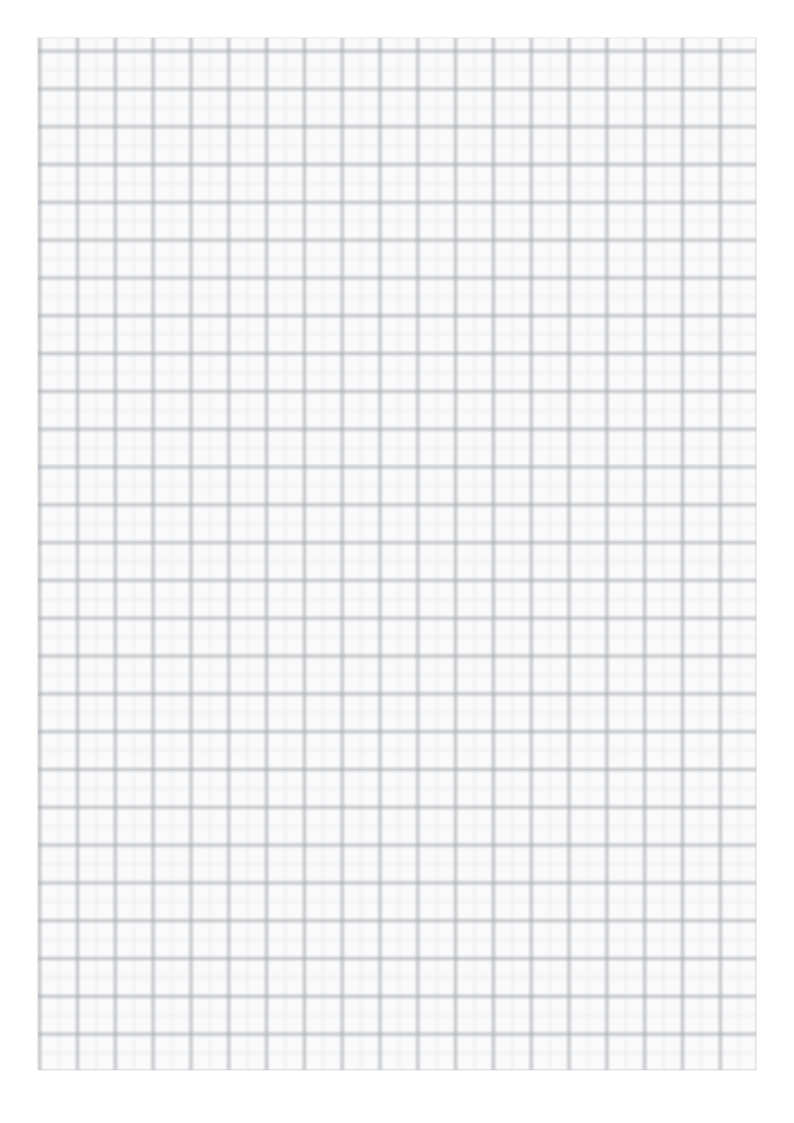
| Paper | A4 · 210 × 297 mm |
|---|---|
| Grid spacing | 1 mm |
| Drawable area | 190 × 273 mm |
| Margins | L 10 · R 10 · T 10 · B 14 mm |
| File | PDF · vector · 7 KB · no watermark on the grid |
Metric subdivisions for detailed plotting
Thin one-millimetre lines are grouped by stronger five- and ten-millimetre lines. Visibility depends on the printer, ink and paper, so test a single sheet first.
Millimeter paper is not interchangeable with five-per-inch engineering paper: that grid uses 5.08 mm spacing.
Print at actual size
1Choose the matching paper size.
2Set 100%, not “Fit to page”.
3Measure the 100 mm check line.
Save and print on your device
Desktop
Open the PDF, choose Print in your PDF reader, select the matching paper size and 100% / Actual size.
iOS / iPadOS
Open PDF → Share → Save to Files. To print, use Share → Print; available controls depend on the app and printer.
Android
Open or download the PDF, then choose Menu → Print in your PDF reader. Check paper size and scaling.
Other devices
Save and open the PDF in a PDF reader. Disable automatic fitting and measure the calibration ruler.
A download click does not confirm that the file was saved or printed. Print calibration
Questions
What do the three line weights mean?
Fine lines mark each millimetre, medium lines mark five millimetres, and stronger lines mark ten millimetres.
Has the A3 version been printed and measured?
No. Its file geometry is checked, but A3 physical print testing is still outstanding.
Which colour should I choose?
Choose gray for a quiet grid, or blue or orange when a coloured metric guide is useful.