5 mmTwo squares per centimetre · school maths
Also called grid, quad or squared paper, with measured square sizes for A4 and Letter.
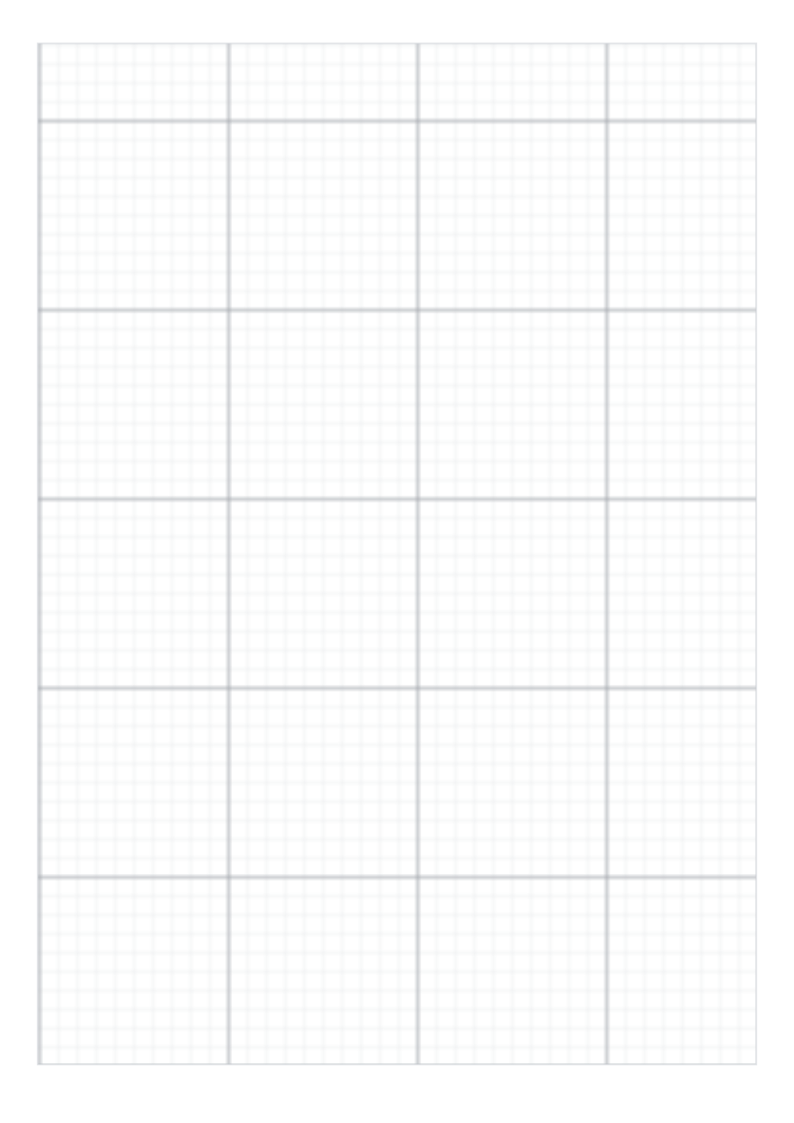
| Paper | A4 · 210 × 297 mm |
|---|---|
| Grid spacing | 5 mm |
| Squares | 38 × 54 |
| Drawable area | 190 × 270 mm |
| Margins | L 10 · R 10 · T 11.5 · B 15.5 mm |
| Lines | 0.3 pt thin · 0.7 pt every 10 squares |
| File | PDF · vector · 3 KB · no watermark on the grid |
A4 and Letter describe the sheet. The grid size describes the distance between adjacent lines, measured centre to centre.
Grid paper, squared paper and quad paper are common names for the same basic square pattern; choose the spacing for the task, then match the PDF to the paper in the printer.
1Choose the matching paper size.
2Set 100%, not “Fit to page”.
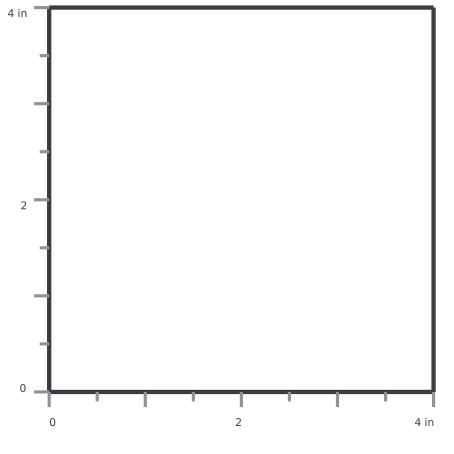
3Measure the 100 mm check line.
Open the PDF, choose Print in your PDF reader, select the matching paper size and 100% / Actual size.
Open PDF → Share → Save to Files. To print, use Share → Print; available controls depend on the app and printer.
Open or download the PDF, then choose Menu → Print in your PDF reader. Check paper size and scaling.
Save and open the PDF in a PDF reader. Disable automatic fitting and measure the calibration ruler.
A download click does not confirm that the file was saved or printed. Print calibration
Usually, yes. Quad paper is a common name for square graph paper, especially in North America.
Use 5 mm for metric work. Use 1/4 inch when the task is defined in inches; 1/4 inch is 6.35 mm.
The margins keep the pattern inside a conservative printable area and reserve space for the ruler on check editions.