5 mmTwo squares per centimetre · school maths
Printable paper
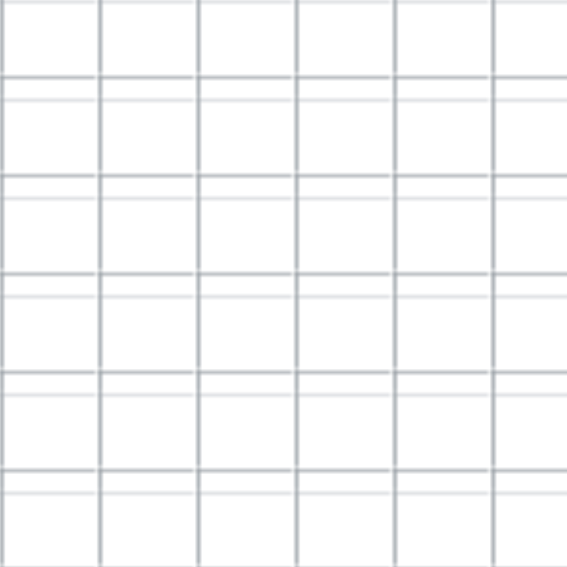
Large 12.7 mm squares for early graphing, handwriting layouts and block planning. Each inch contains two squares.
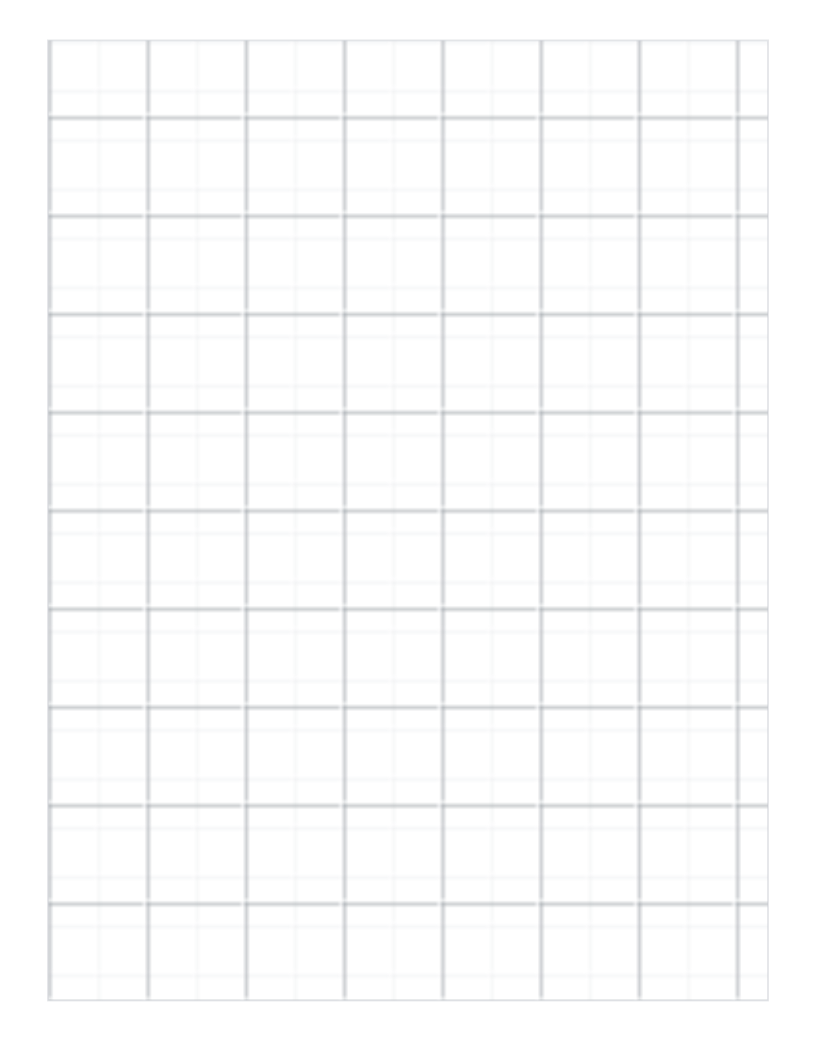
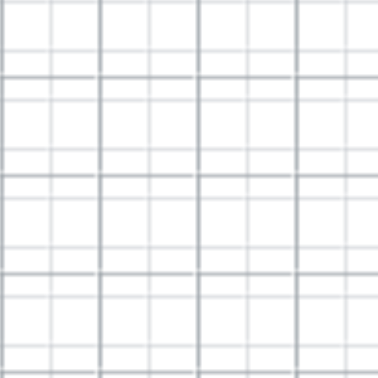
| Paper | Letter · 215.9 × 279.4 mm |
|---|---|
| Grid spacing | 12.7 mm |
| Squares | 15 × 20 |
| Drawable area | 190.5 × 254 mm |
| Margins | L 12.7 · R 12.7 · T 10.7 · B 14.7 mm |
| Lines | 0.3 pt thin · 0.7 pt every 2 squares |
| File | PDF · vector · 2 KB · no watermark on the grid |
Use half-inch squares when quarter-inch cells are too small for labels or large pencil marks. A 100 mm calibration line lets you check the scale before drawing.
1Choose the matching paper size.
2Set 100%, not “Fit to page”.
3Measure the 100 mm check line.
Open the PDF, choose Print in your PDF reader, select the matching paper size and 100% / Actual size.
Open PDF → Share → Save to Files. To print, use Share → Print; available controls depend on the app and printer.
Open or download the PDF, then choose Menu → Print in your PDF reader. Check paper size and scaling.
Save and open the PDF in a PDF reader. Disable automatic fitting and measure the calibration ruler.
A download click does not confirm that the file was saved or printed. Print calibration
Choose the matching paper size in your PDF viewer and print at 100% / Actual size. Disable Fit to page. Use the calibration ruler edition to measure a 100 mm reference before using the sheet.
Yes. Choose Customize this paper beside the download to carry the current paper size, orientation, spacing and colour into the generator.